Set Up Demo → Trial
Levi is built to start showing results fast — you don’t need weeks of setup or a dev team.
In this quick guide, you’ll go from a working demo conversation to a fully functional trial automation in just one afternoon.
☀️ What You’ll Achieve
By the end of this guide, you’ll have:
A working demo bot showcasing Levi’s capabilities
A trial automation connected to your real data
Live leads entering your funnel within hours
Perfect for small business owners, agencies, or anyone testing Levi before full rollout.
🧩 Step 1 — Start With a Demo
Log in to app.levi.ai.
On the welcome screen, select Start Demo Mode.
Choose your industry (Salon, Fitness Studio, Agency, etc.).
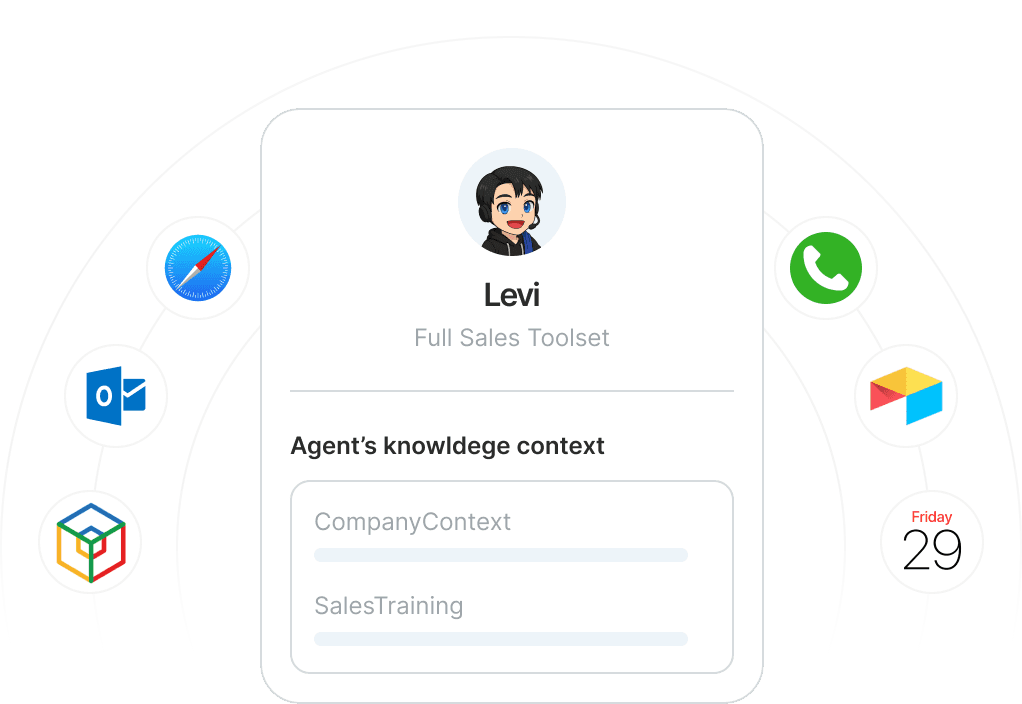
Levi will instantly spin up a pre-trained demo assistant tailored to that industry.
Tip: You can edit demo responses live to see how Levi adapts — try adding one of your own offers or FAQs.
🔗 Step 2 — Connect a Real Calendar
Demo Mode uses sample data.
To turn it into a real trial, you’ll connect your actual calendar.
Navigate to Integrations → Calendar.
Connect Google Calendar, Calendly, or any supported booking system.
Confirm your time zone and available slots.
✅ Once connected, Levi can now book real appointments on your schedule.
💬 Step 3 — Personalize Levi’s Voice
Even during a trial, Levi should sound like your brand.
Go to Brand Setup → Tone & Personality.
Choose your voice style — Friendly, Professional, or Confident.
Add your greeting (for example, “Hey there, this is Levi from Shape Studio!”).
Upload your logo and select your brand color.
💡 A branded tone builds instant trust during first contact.
⚙️ Step 4 — Convert the Demo Flow Into a Trial Automation
Let’s turn your demo chat into something operational.
Go to Automations.
Choose Convert Demo to Trial (top-right corner).
Levi will clone your demo workflow and make it editable.
Add your real links, pricing, or contact details.
🎯 Goal: Turn a demo conversation into a trial automation ready to handle new leads.
🧠 Step 5 — Test It With a Friend or Teammate
Before you go live:
Send your demo link to a colleague or friend.
Ask them to interact with Levi like a real customer.
Watch how it books, replies, and follows up automatically.
Pro Tip: You’ll see every action under Analytics → Conversations → Trial Bot.
🚀 Step 6 — Go Live (Optional)
Once you’re satisfied with the trial:
Switch from Trial Mode to Live Mode in the top-right corner.
Levi will start engaging real visitors and capturing leads in your system.
🎉 That’s it — you’ve gone from demo to live trial in one afternoon.
📈 Next Steps
Add Follow-Up Automations to re-engage missed leads.
Connect SMS or Email Channels for multi-platform communication.
Review performance inside Analytics → Dashboard.